
Follow the demonstration
Study the videos alongside the original and new-mileage files, algorithm illustrations and written explanations. The lesson examples make the relationship between data, conversions and checksums easier to follow.
Explore how mileage-data algorithms work through 30 basic and advanced lesson topics, video demonstrations, example files and six small .exe learning tools.
Strictly for demonstration purposes. Learn how the examples work; practical repair requires further knowledge and experience.
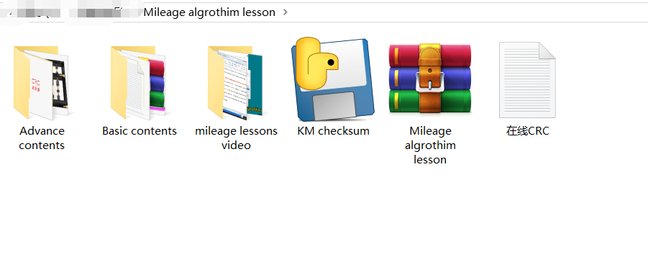
If you are curious about how airbag crash records are cleared and how mileage data is repaired, this package introduces simple algorithm demonstrations. Even after working on thousands of airbags and instrument clusters, there is more to learn about what happens inside the data.
Study the videos alongside the original and new-mileage files, algorithm illustrations and written explanations. The lesson examples make the relationship between data, conversions and checksums easier to follow.
These are simple educational examples. Owning the package does not mean you know how to clear crash records or repair mileage data on a vehicle. There is still a long way to go.
A selection of our uploaded videos is available on the Peng Datarepair YouTube channel. Watch the sample below, or visit the channel for more videos.
Visit Peng Datarepair on YouTube ↗These are selected public videos. The complete Package B includes the supplied lesson videos, example files and small .exe tools.
Each lesson may contain 1–5 demonstrations. Supporting material varies by example and may include the items shown below.
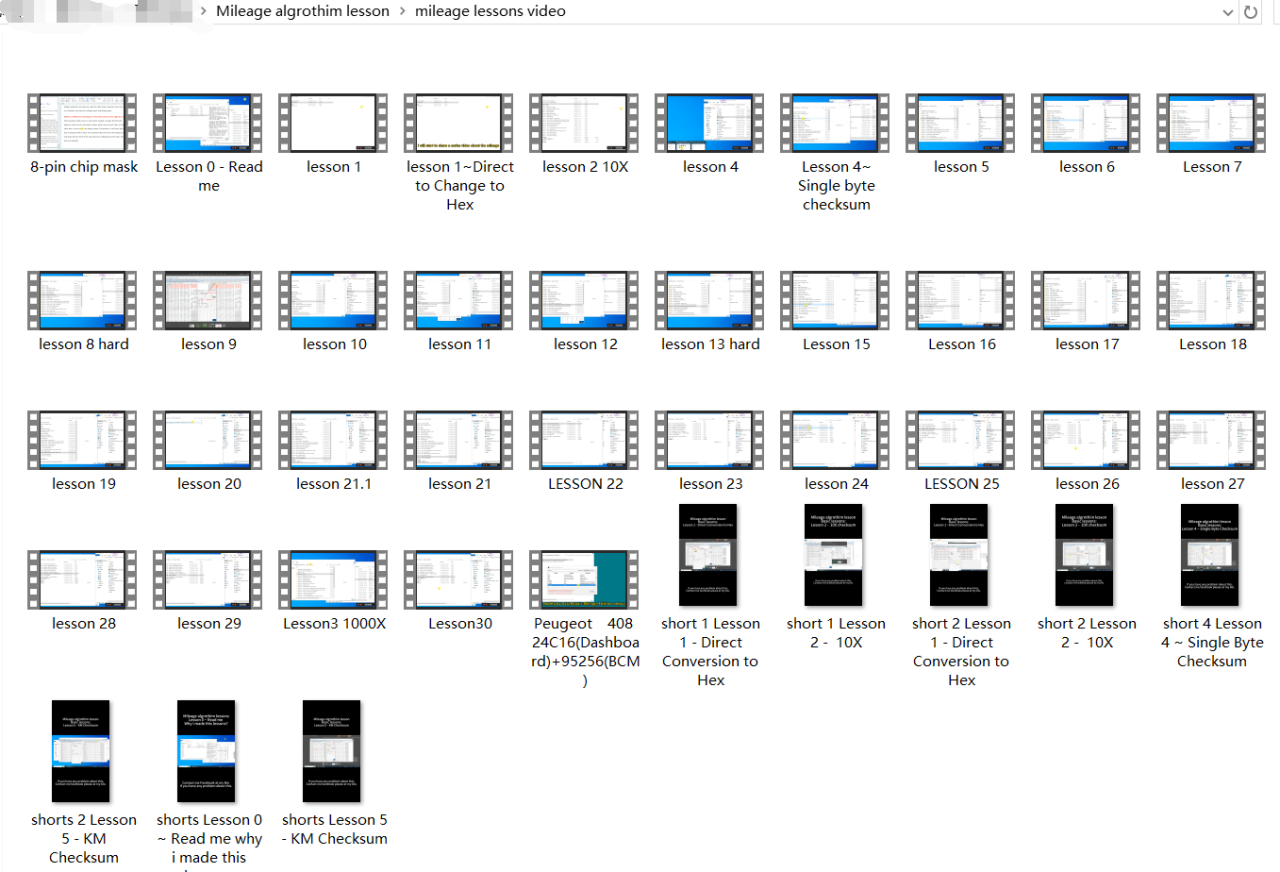
The complete supplied video lessons, covering basic and advanced demonstrations.
Original-mileage and new-mileage files for comparing what changes in the demonstration.
Depending on the lesson: instrument-cluster photographs, chip types, pinouts, an algorithm image and a written algorithm description.
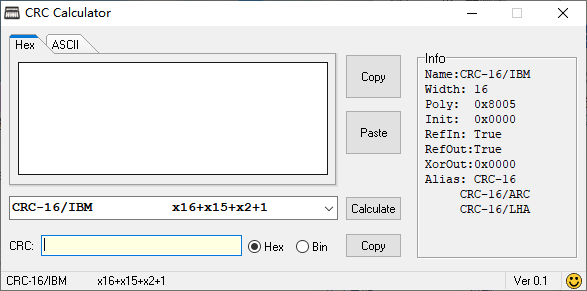
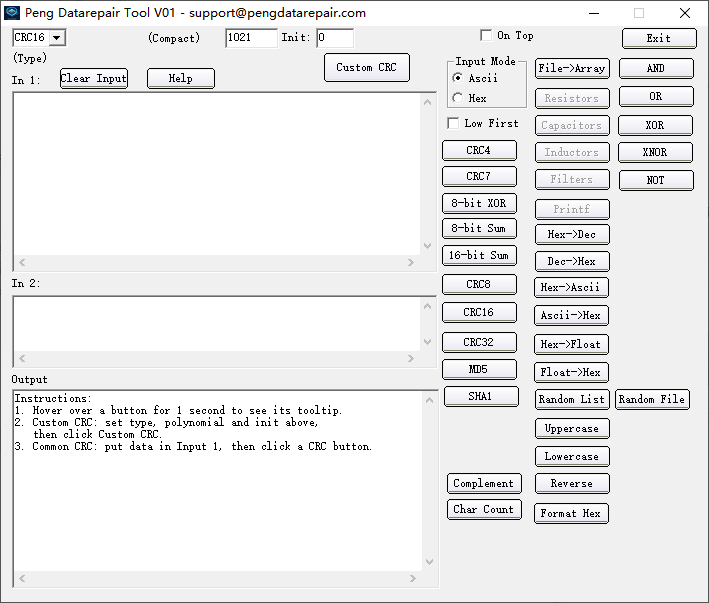
Six included .exe learning utilities for working through the examples.
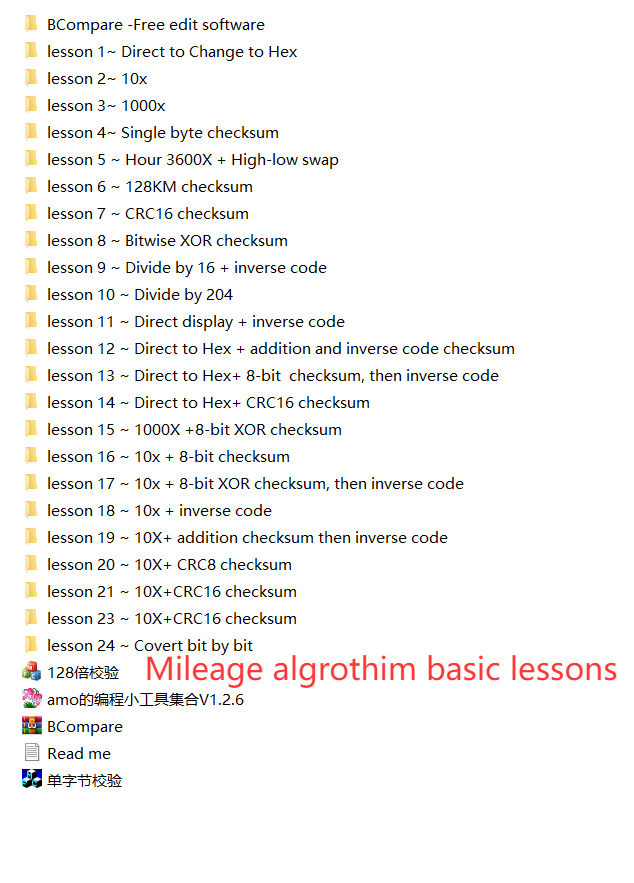
21 basic mileage algorithm topics, followed by 9 advanced demonstrations. The advanced lessons also include hour-counter examples.
| Lesson | Algorithm topic |
|---|---|
| 1 | Direct Conversion to Hex |
| 2 | 10X |
| 3 | 1000X |
| 4 | Single Byte Checksum |
| 5 | KM Checksum |
| 6 | 128KM Checksum |
| 7 | CRC16 Checksum |
| 8 | Bitwise XOR Checksum |
| 9 | Divide by 16 + Inverse Code |
| 10 | Divide by 16 + 24C16 Checksum |
| 11 | Direct Display + Inverse Code |
| 12 | Direct to Hex + Addition and Inverse Code Checksum |
| 13 | Direct to Hex + 8-bit Checksum, then Inverse Code |
| 14 | Direct to Hex + CRC16 Checksum |
| 15 | 1000X + 8-bit XOR Checksum |
| 16 | 10X + 8-bit Checksum |
| 17 | 10X + 8-bit XOR Checksum, then Inverse Code |
| 18 | 10X + Inverse Code |
| 19 | 10X + Addition Checksum, then Inverse Code |
| 20 | 10X + CRC8 Checksum |
| 21 | 10X + CRC16 Checksum |
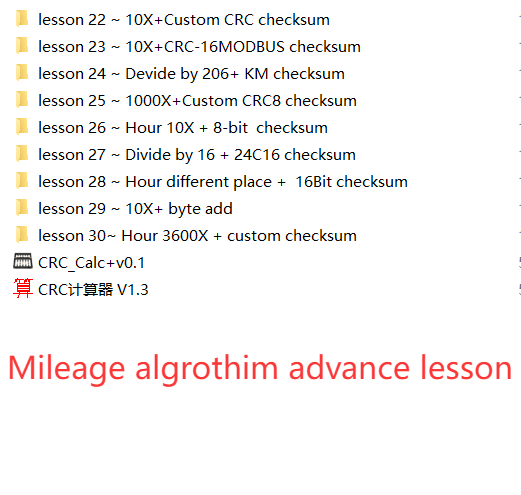
| Lesson | Algorithm topic |
|---|---|
| 22 | 10X + Custom CRC Checksum |
| 23 | 10X + CRC-16 MODBUS Checksum |
| 24 | Divide by 206 + KM Checksum |
| 25 | 1000X + Custom CRC8 Checksum |
| 26 | Hour 10X + 8-bit Checksum |
| 27 | Divide by 16 + 24C16 Checksum |
| 28 | Hour Different Place + 16-bit Checksum |
| 29 | 10X + Byte Addition |
| 30 | Hour 3600X + Custom Checksum |
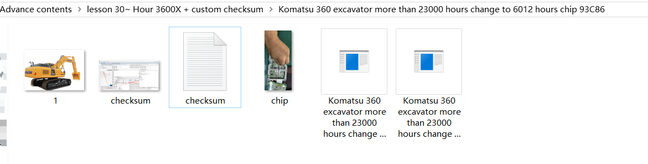
Preview the kind of videos and supporting files included in the package. Click an image to inspect its details.
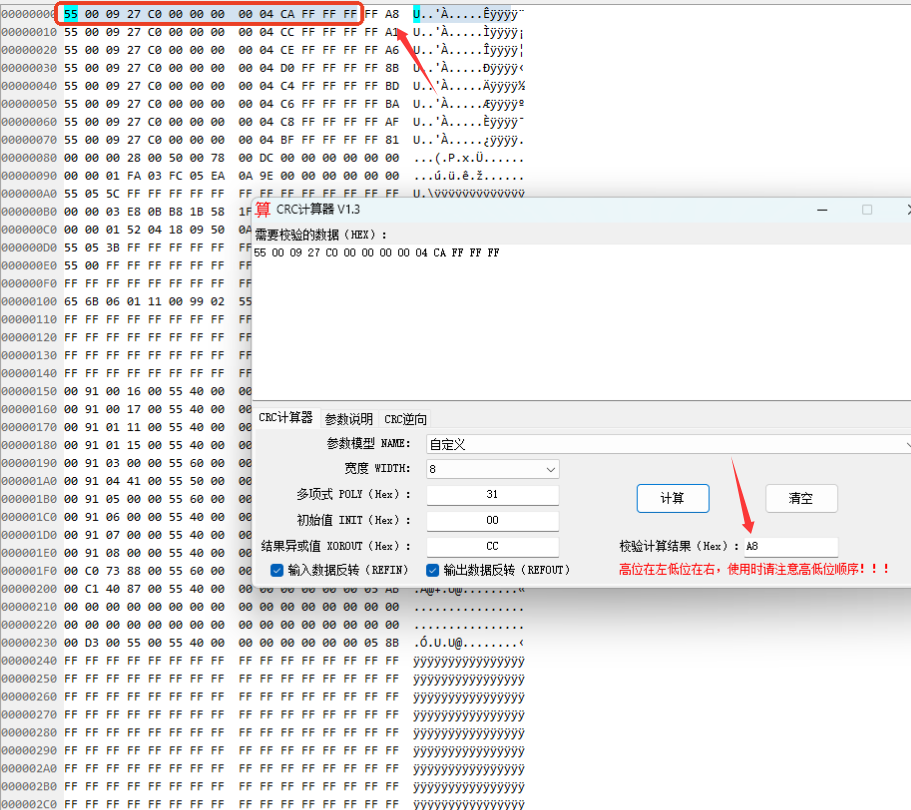

The package also includes these six small .exe learning tools. The screenshots below show the supplied tool interfaces.
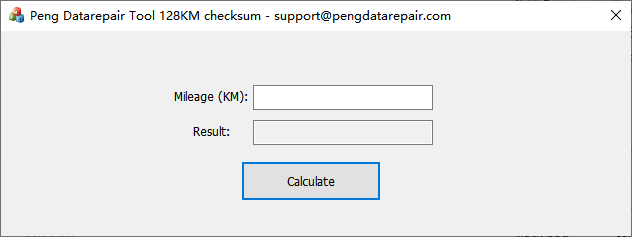
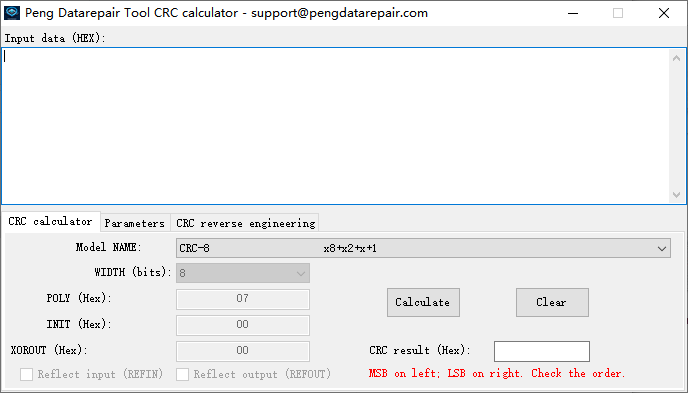
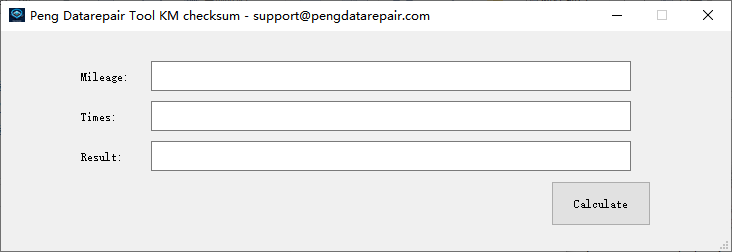
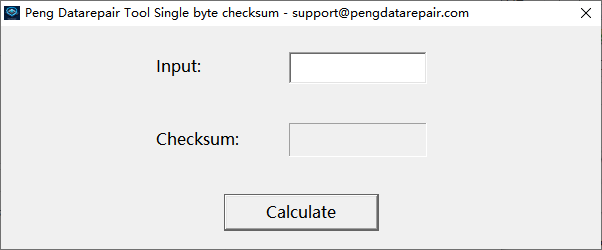
The complete package includes the supplied videos, example files, reference material and small .exe tools.
Review the lesson list and example screenshots, and confirm the current price, video language and Windows requirements with us before purchase.
Once purchased, the package is non-refundable because it consists of electronic files. This is subject to mandatory legal rights.
Delivery & refunds →Contents, demonstrations and purchase details.
The supplied videos, lesson files and reference material, plus six small .exe learning tools. The course list includes 21 basic lessons and 9 advanced lessons.
No. Each lesson may include 1–5 demonstrations. Depending on the example, supporting files may include cluster photographs, chip types, pinouts, original and new-mileage files, an algorithm image and a written description.
The package is strictly for demonstration purposes. These simple examples introduce how some algorithms work; they do not mean you know how to clear crash records or repair mileage data on a vehicle.
The package consists of electronic files. All sales are final and the package is non-refundable after purchase, subject to mandatory legal rights. Review the contents and requirements before ordering.