
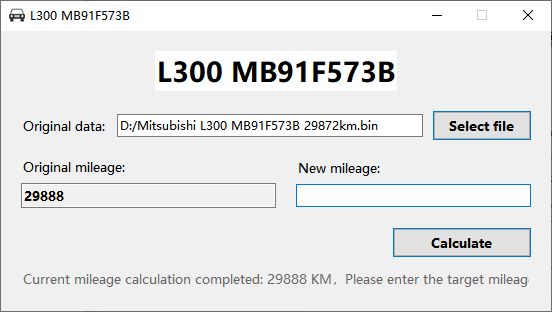
The Mitsubishi L300 material combines an MB91F573B instrument, its connection diagram and the software screens. The displayed-value note is included alongside these references because the application can show a variance of several tens of kilometres.
Application details
- Dedicated Mitsubishi L300 dashboard application
- MB91F573B device-family identification
- Offline operation after PC-bound activation
- Permanent use on the activated installation
- Minor displayed-value variance is noted in the supplied source
Activation and delivery
The software operates offline after activation on the selected Windows PC. Licence transfer and reactivation support are not provided after changing computers or reinstalling Windows.
Displayed-value limitation
The L300 notes mention a possible variance of several tens of kilometres. Confirm the expected behaviour for the exact instrument and verify its displayed result.
Instrument and module identification
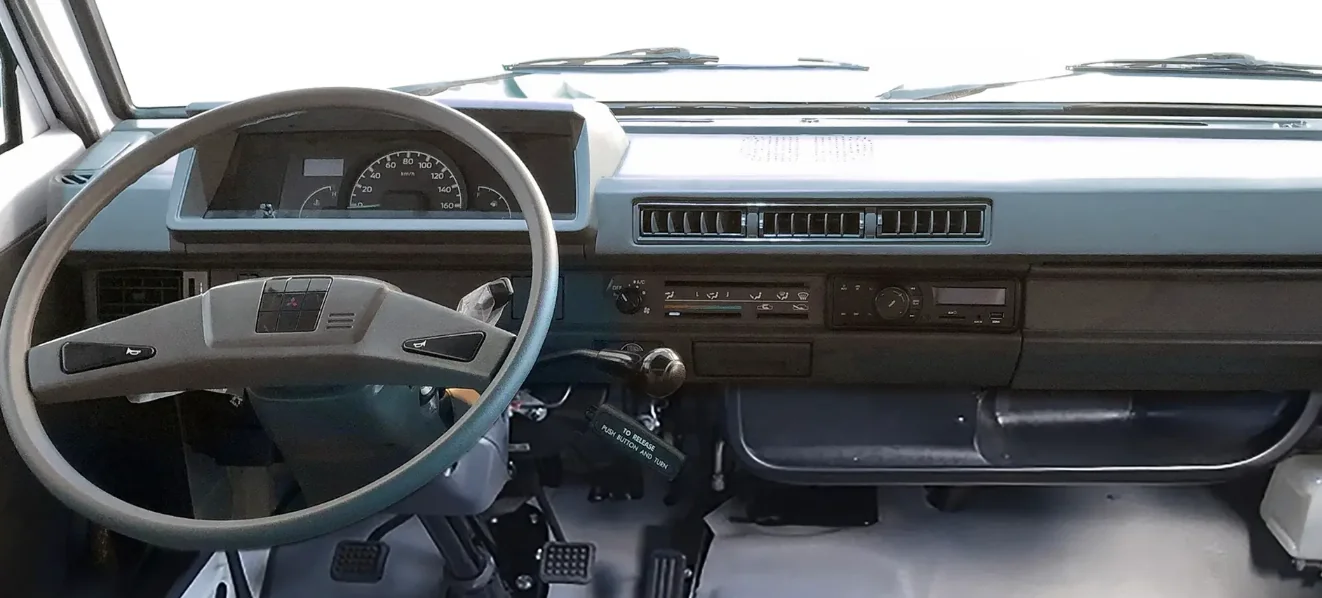
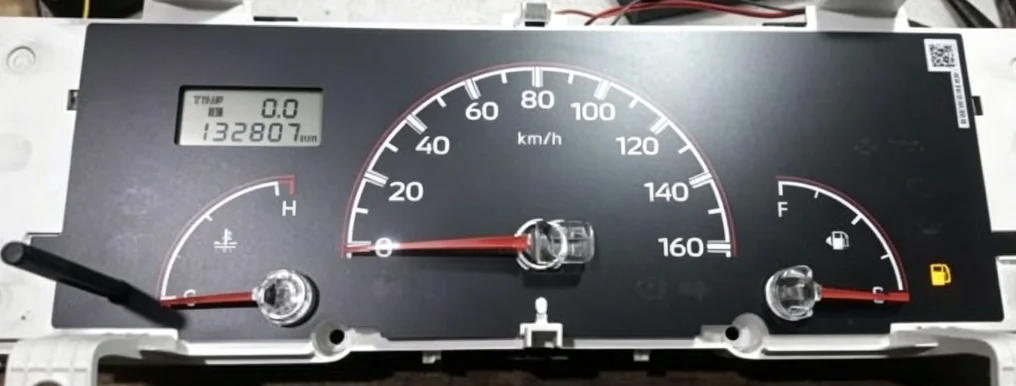
Programming connections
Software reference screens

Licence and update terms
One-time purchase with lifetime use and free subsequent updates. No annual fee.
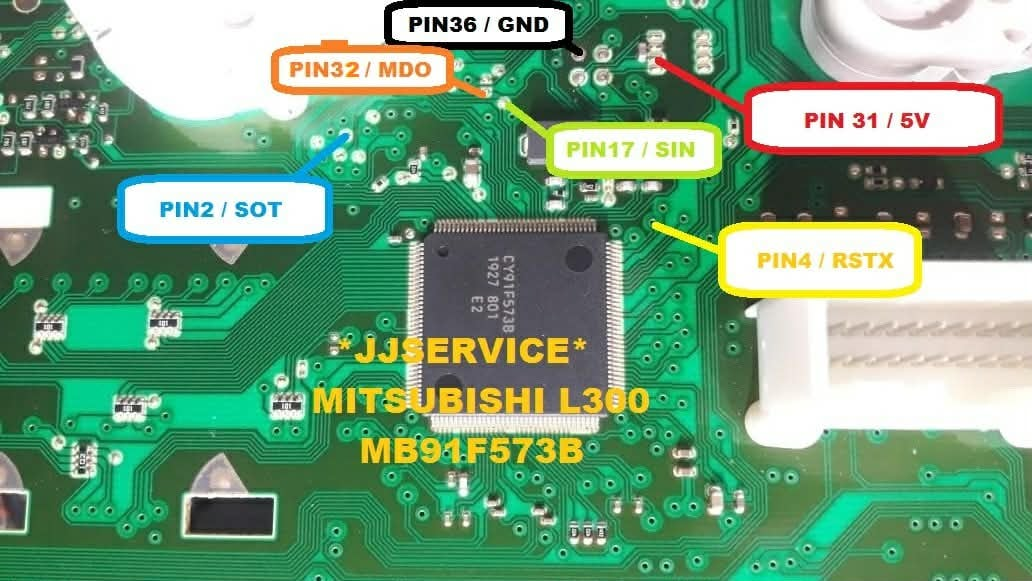
MB91F573B pinout: match the illustrated L300 board
The connection image belongs to the illustrated Mitsubishi L300 instrument. Check the full MB91F573B suffix, cluster label, connector orientation and board layout before using it. A diagram for an MB91F573-family device is not automatically a diagram for this panel.
The product notes describe a possible difference of several tens of kilometres in the displayed result. Review that behaviour for the exact application before ordering.