StoreSoftware 9

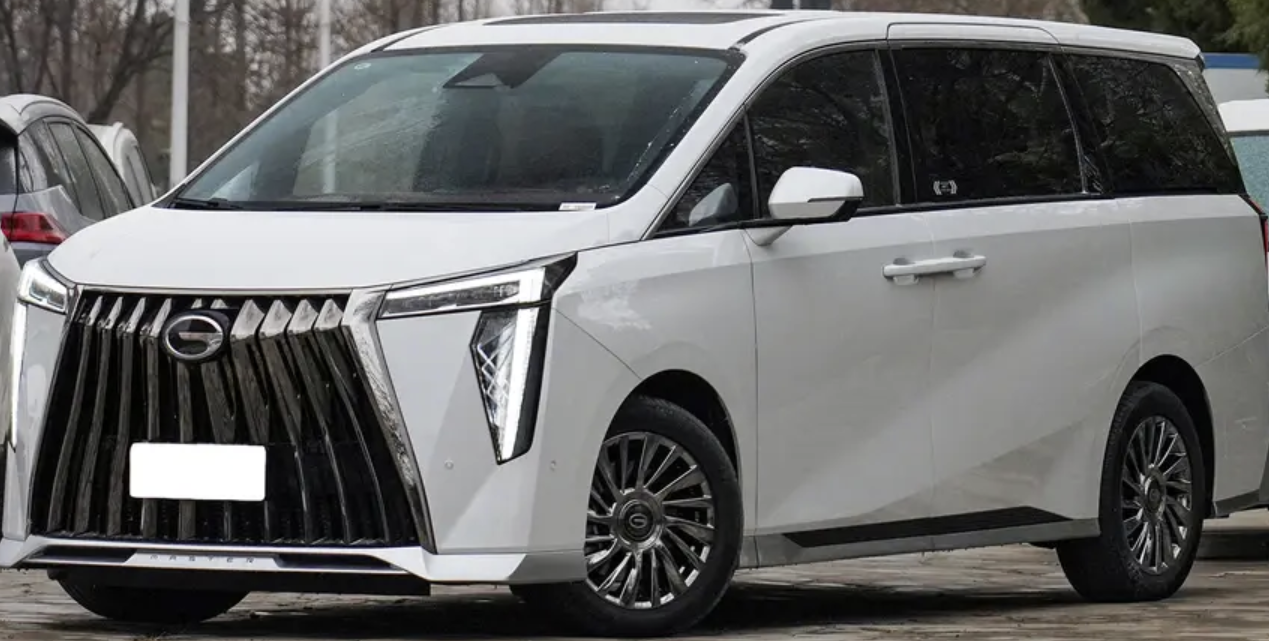
Trumpchi GAC GN8

Dedicated GN8 software for the supported multimedia head-unit data application using 95512. Match the media-host identification and board before ordering.

Vehicle
GAC Trumpchi GN8
Module
Multimedia head unit
Memory
95512

One-time purchase. Permanent use on your activated PC. No annual fee; subsequent updates are free.

PC-bound activation. No licence transfer or reactivation support after changing computers or reinstalling Windows. Purchase details

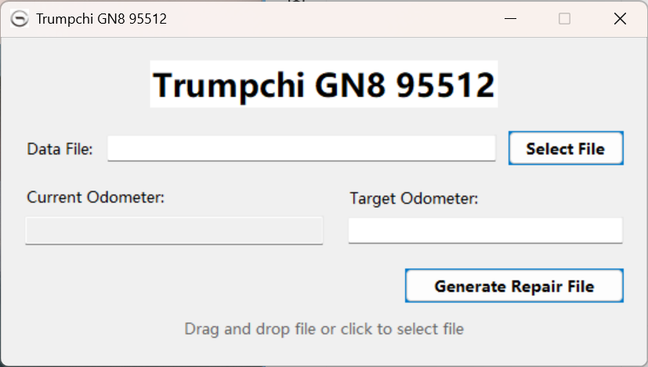
Trumpchi GN8 95512 software interface

GN8 multimedia head-unit application

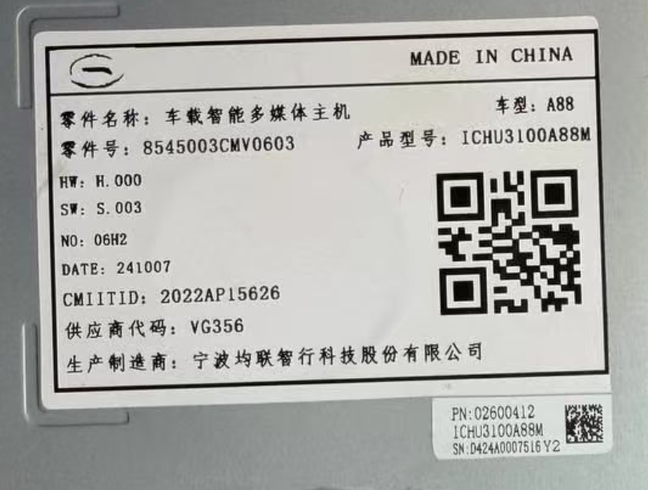
This product reference concerns the media host. Provide its part number and hardware/software version.

VehicleTarget moduleMemory reference
GAC Trumpchi GN8Multimedia head unit95512

Identify the host unit

Compare the module label and memory location with the reference photographs. A matching GN8 vehicle name alone does not confirm an identical head-unit revision.

Read the matching data file

Use a programming device suitable for the identified memory and retain the original data. Confirm the host and file requirements before processing it in the software.

Read the Software 9 notes in the Blog

Common questions

Compatibility, delivery and licence details for this software.

Is this a GN8 dashboard or media-host utility?

The listed target is the multimedia head unit using 95512. Send the host identification rather than relying on the instrument-cluster part number.

Does every GN8 head unit use the same file?

Different module revisions may differ. Confirm the part number, hardware/software version and complete memory marking.

Do the board photographs form a full connection guide?

They show the supplied unit and memory-location references. Confirm the required programmer and connection method for your exact unit before purchase.

Is there an annual or renewal fee?

No. Software 9 is a one-time purchase with permanent use on the activated PC and free subsequent updates. Contact us for the current purchase price.

How is it delivered?

The software is supplied through a MEGA download link. Install it on your intended Windows PC, send us its PC code, and use the corresponding keycode we provide to activate it.

Can I change computers or reinstall Windows?

The licence is bound to the PC code submitted for activation. Licence transfer and reactivation support are not provided after changing computers or reinstalling Windows. Choose the intended PC and operating system before requesting activation.

Website analytics settings

Website analytics start automatically unless you have turned them off in this browser. You can turn analytics off or on here without affecting access to the website.

Privacy & cookies