

Working with TMAX data files
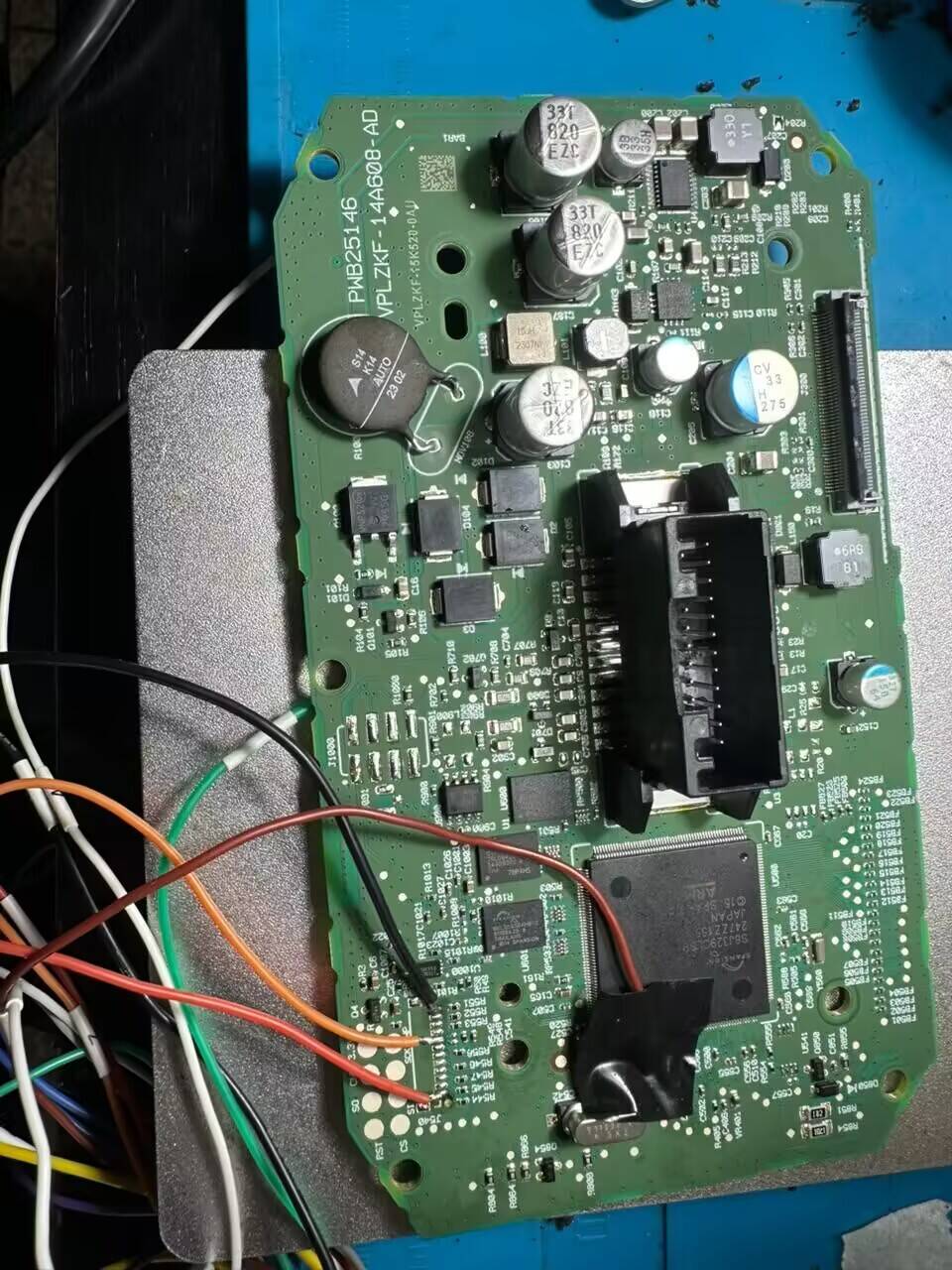
Software 2 works with supported TMAX 560 instrument data files on your Windows PC. A compatible hardware programmer is used separately to read and write the instrument data.
Prepare the instrument data
Keep an untouched copy of the original file. Confirm that the instrument, MCU and read method match the supported application before processing a file.
Use the dedicated TMAX interface
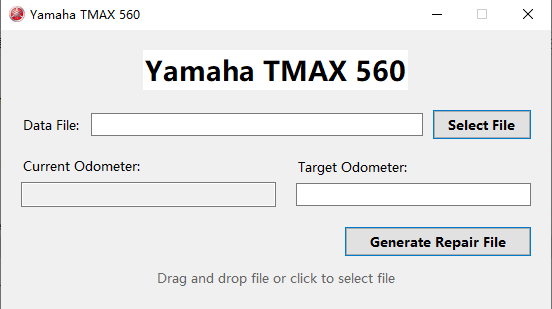
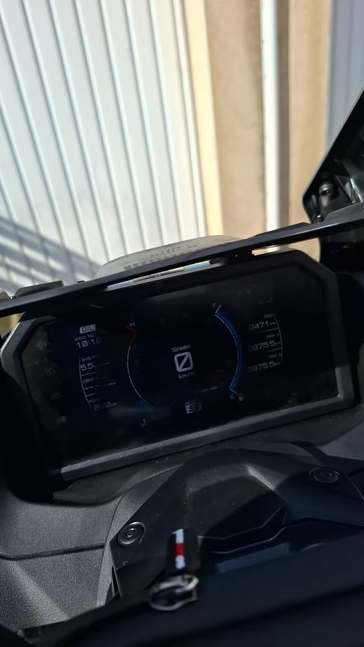
Select the instrument data file in the software and check the displayed reading against the instrument. The utility generates a repair file for the supported application; reading and writing the physical instrument remain separate programmer operations.
One-time purchase, offline use
After PC-bound activation, use the software offline with no annual fee. Continued use and subsequent updates are free. Contact us for the purchase price and current requirements.