
The TMAX 560 references include S6J336A and S6J336C variants and material for 144-pin and 176-pin configurations. Identify the chip and physical board before using the diagram. The separate report on tested 2025–2026 instruments describes newer read limitations.
Application details
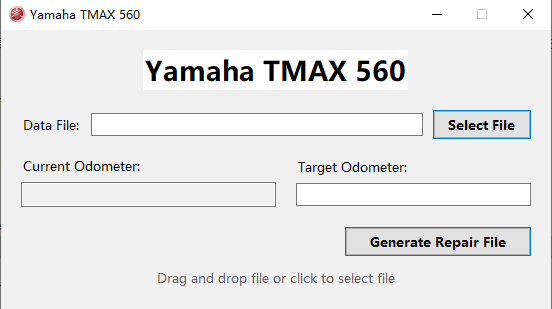
- Dedicated Yamaha TMAX 560 dashboard-file workflow
- Coverage notes for S6J336A and S6J336C variants
- Reference material for 144-pin and 176-pin configurations
- Offline operation after PC-bound activation
- Reported read limitations on the tested 2025/2026 instruments
Activation and delivery
The software operates offline after activation on the selected Windows PC. Licence transfer and reactivation support are not provided after changing computers or reinstalling Windows.
Newer instrument versions
The separate 2025–2026 TMAX report describes read limitations on tested newer instruments. Use that report with the exact board and chip identification before choosing the software.
Instrument and module identification

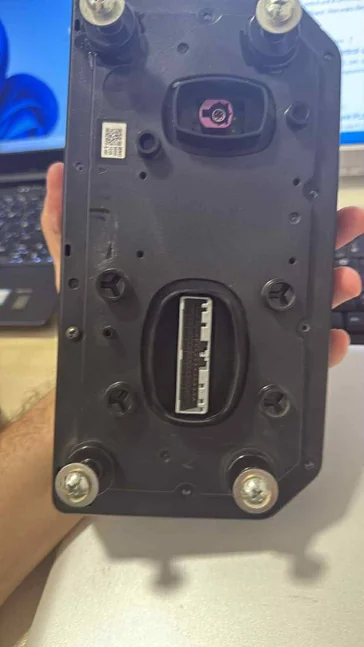
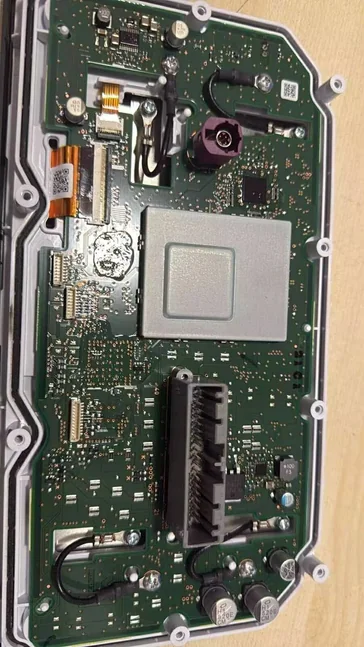
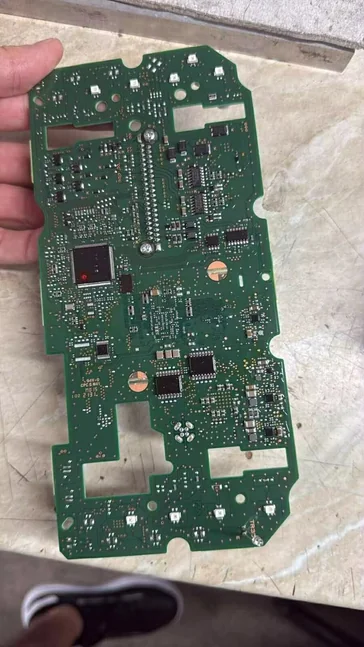
Programming connections
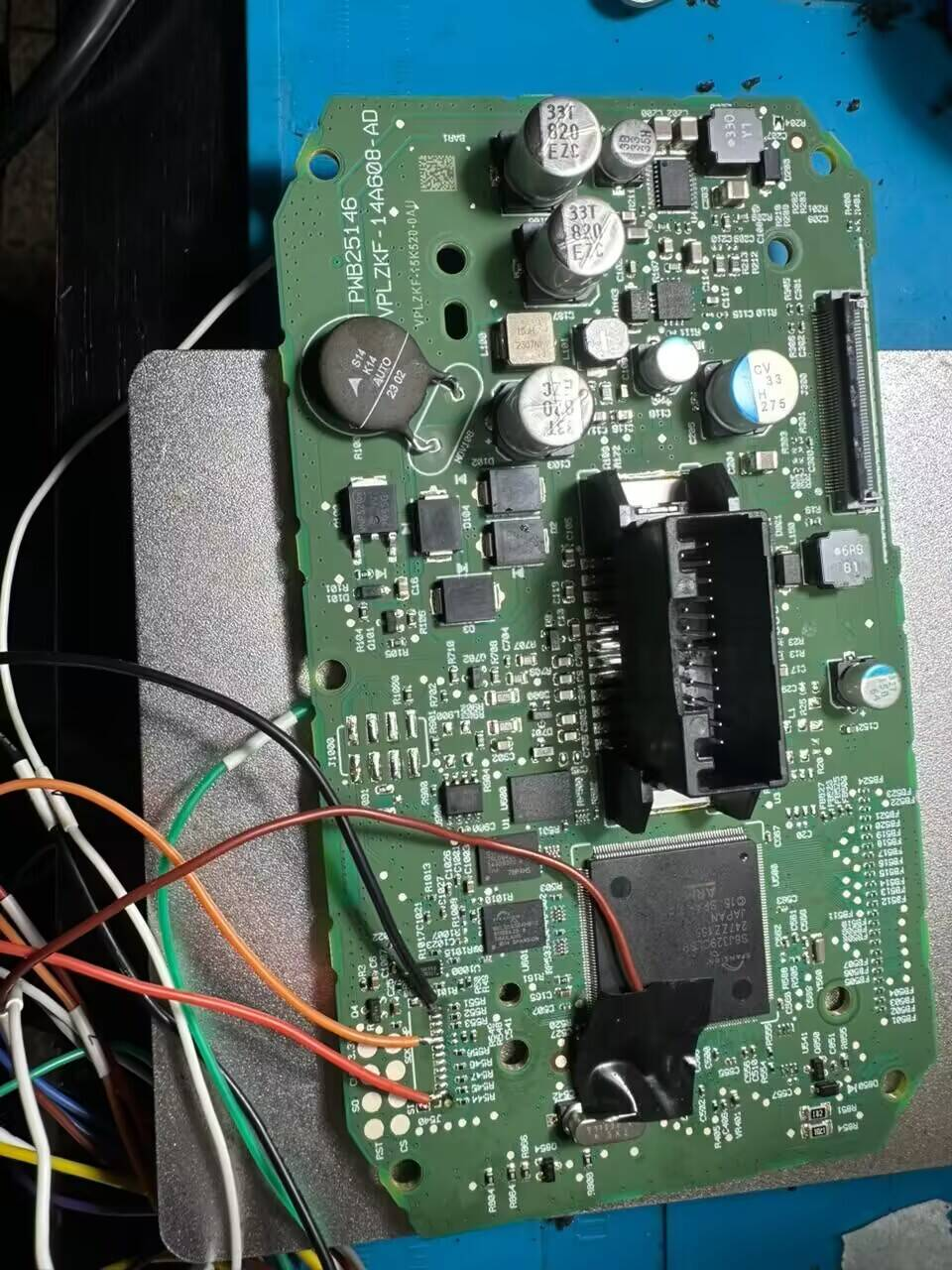
Software reference screens
Licence and update terms
One-time purchase with lifetime use and free subsequent updates. No annual fee.
S6J336 identification: choose the correct reference
S6J336 is a family search term. Record the complete A/C suffix and compare the actual package and board with the pictured reference. The 144-pin and 176-pin material should be treated as separate physical configurations, not interchangeable connection diagrams.
For a 2025 or 2026 TMAX dashboard, check the read-limitation report before choosing a software workflow. A familiar display or vehicle year does not establish readable DFlash or supported hardware.